arXiv Paper to EPUB: Equations, Figures and Tables Kept
An arXiv paper is the one kind of PDF that can be converted without guessing at the layout. Every arXiv paper carries its identifier in the margin of page one, and arXiv publishes an HTML rendition of the same version, generated from the authors' LaTeX source. When you upload an arXiv PDF here, the converter reads that identifier, fetches the HTML rendition, checks it against your PDF and builds the EPUB from it. Equations become real, resizable math; charts stay vector; tables keep their rules; footnotes become tap-to-read notes; and the table of contents is the paper's own section tree. Upload an arXiv PDF below to try it — first 50 pages free, no account.
Convert an arXiv paper
An arXiv PDF is rebuilt from arXiv's own rendition of the paper: real equations, vector charts, tables with their rules, footnotes and the paper's own table of contents.
or drag and drop here
Why arXiv papers convert better than other PDFs
A PDF is a drawing of a page. Converting one means working out which marks are a heading, which are a formula and where the columns break; a formula in particular has to be cut out as a picture, because the PDF holds glyph positions, not the formula. arXiv's HTML rendition is built from the authors' LaTeX source, so it already knows what every element is. The converter uses that knowledge and only falls back to the page-reading route when the rendition is missing or does not match the uploaded file.
The check is strict on purpose: the letter count of the HTML must match the PDF, the title must appear on page one, and the identifier must point at the same version you uploaded. A paper that fails any of these converts the regular way, as described in the research papers guide.
What each element looks like in the EPUB
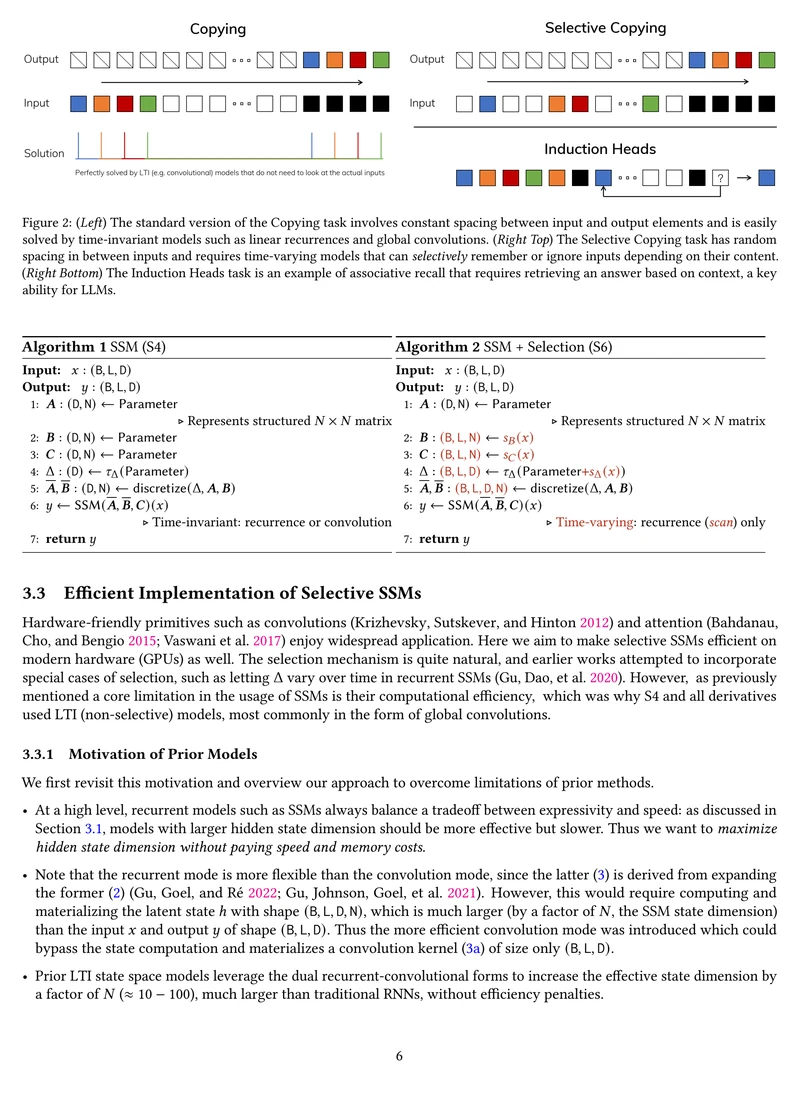
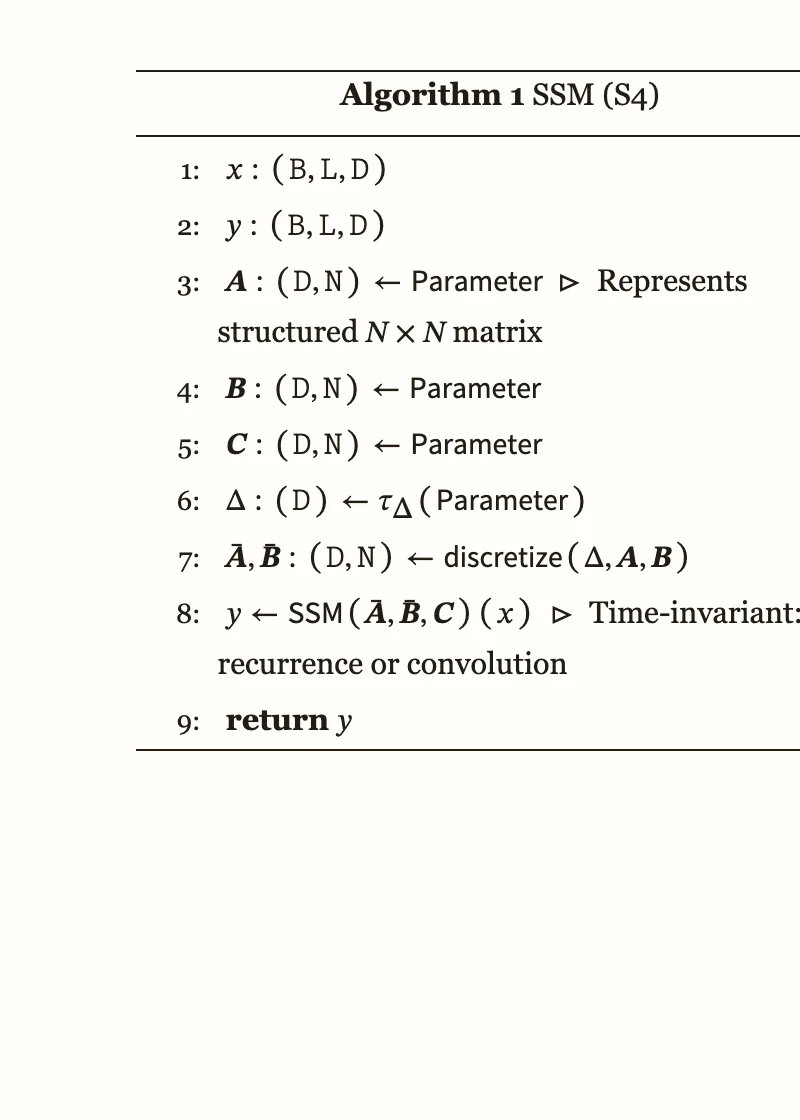
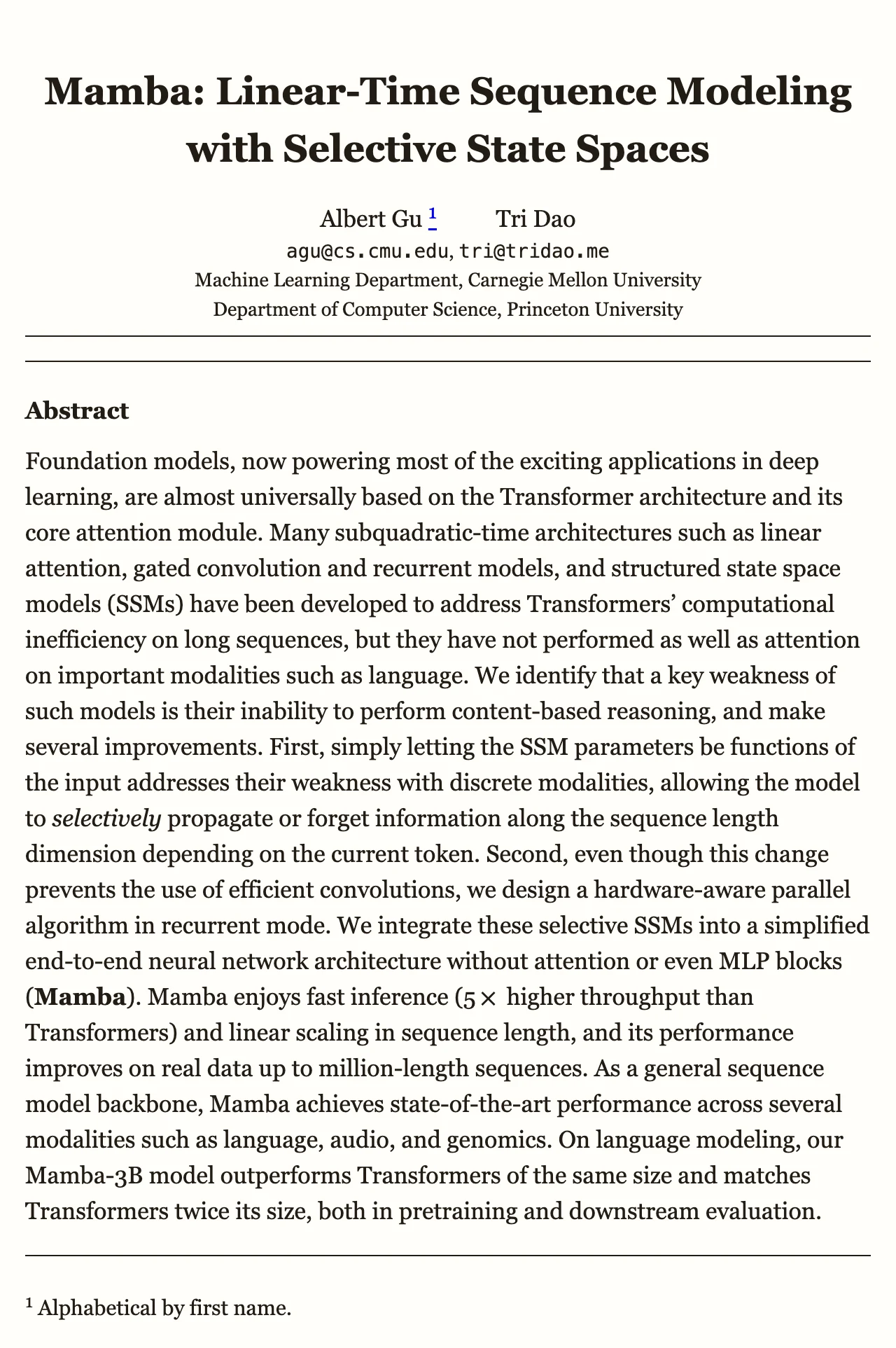
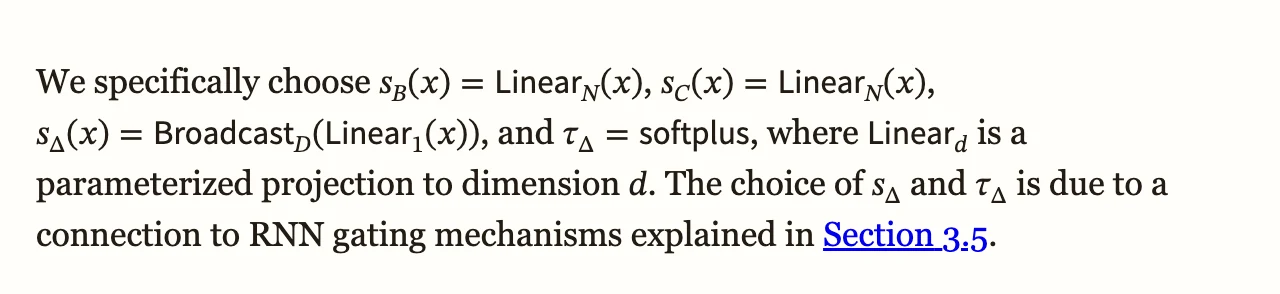
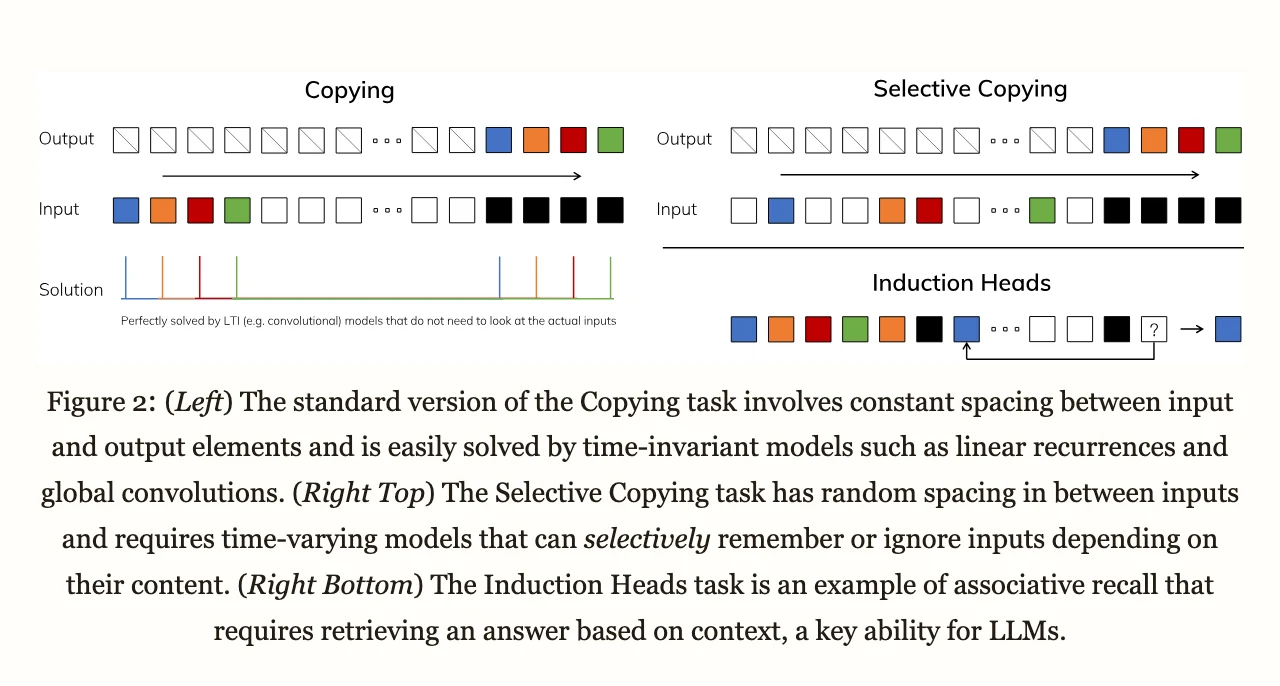
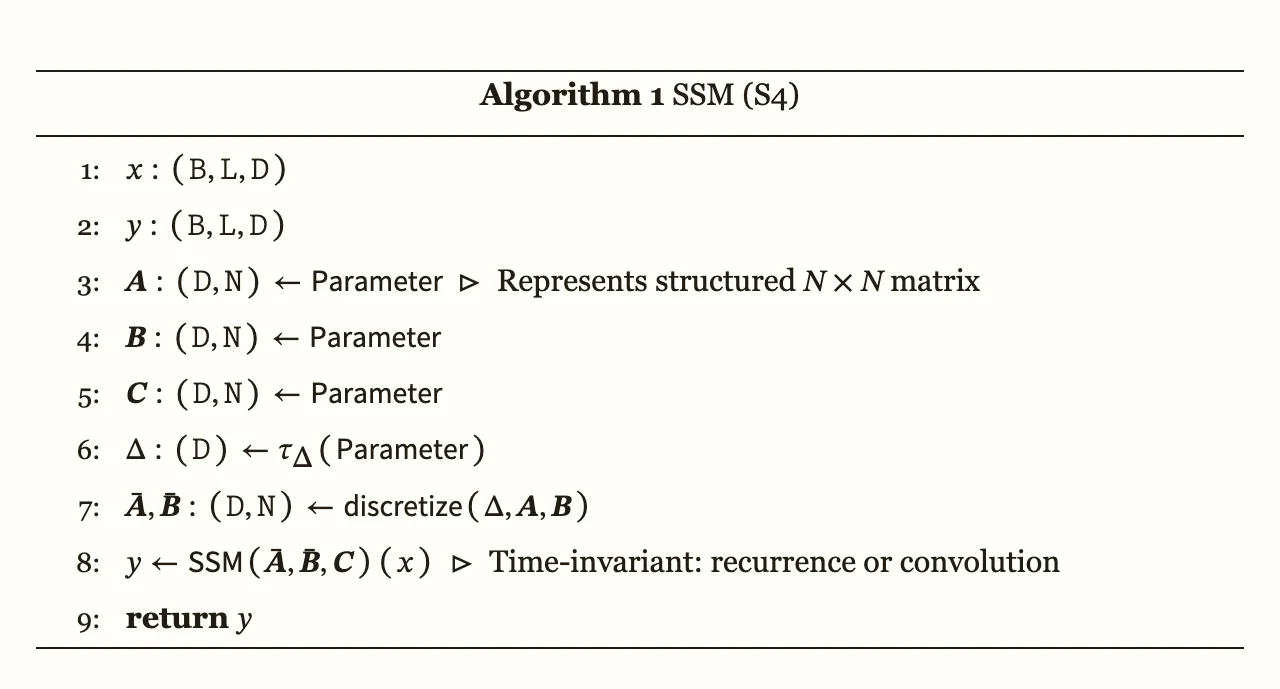
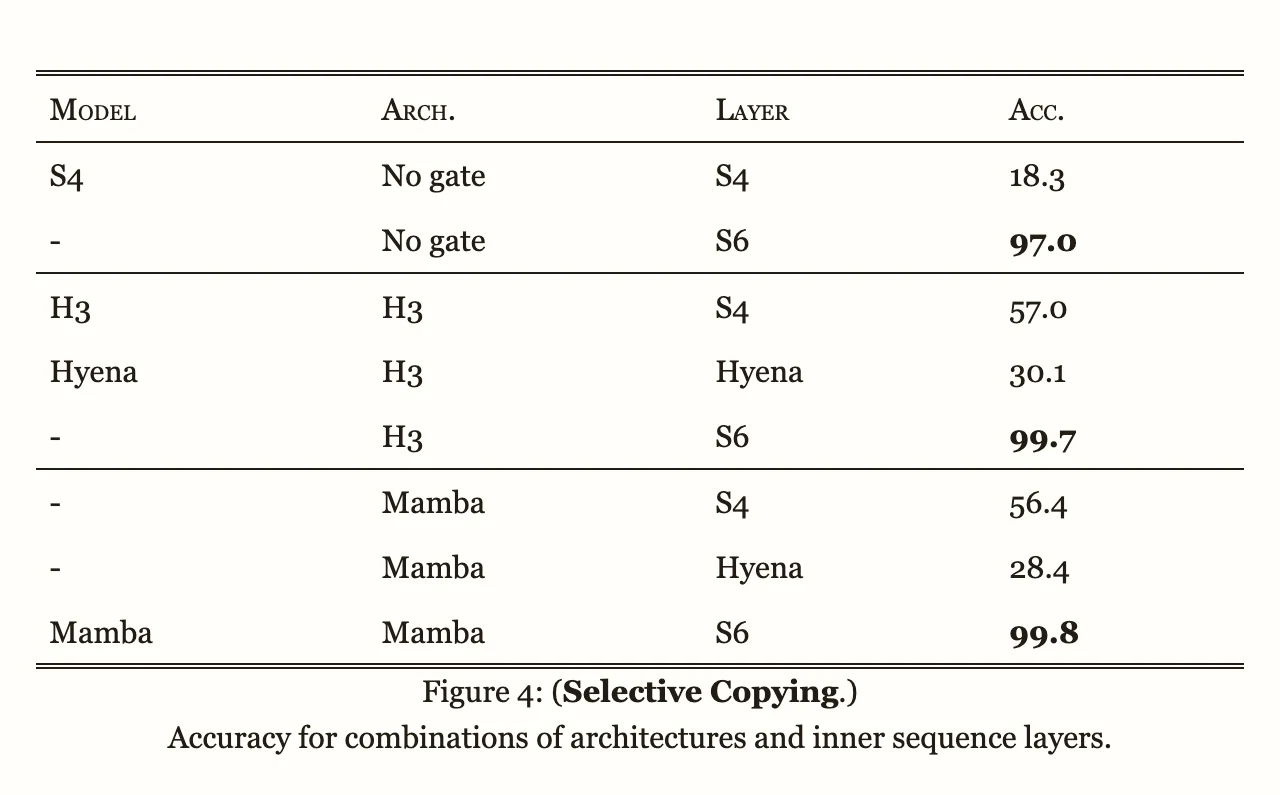
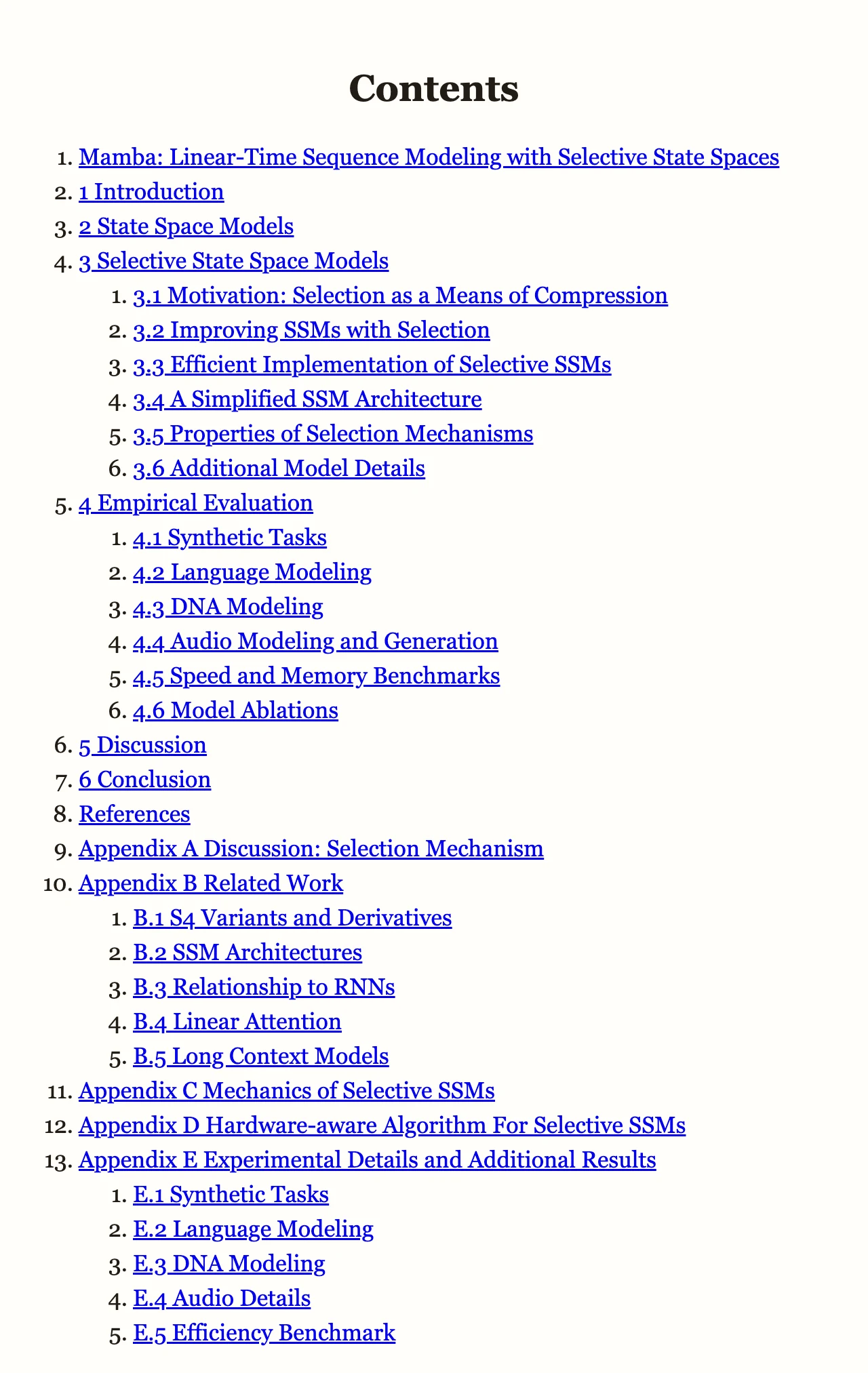
All of the images below are cut from the Mamba EPUB above, which is a hard case on purpose: 562 formulas, 41 figures, 26 tables, 22 algorithm and code listings, five appendices and 116 references.

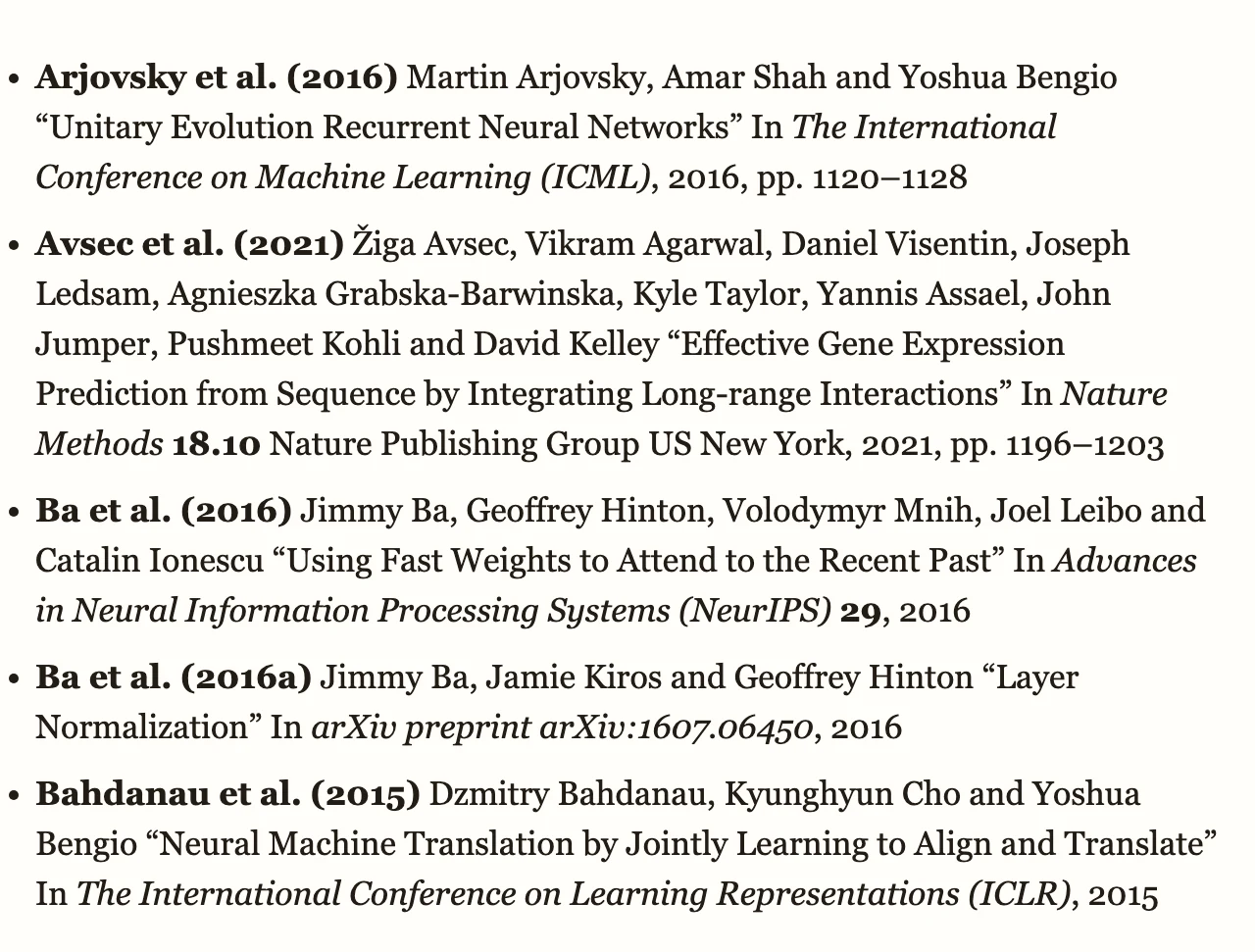
Which papers take this route
- Any paper downloaded from arxiv.org whose page one carries the arXiv stamp. The stamp names the version, and the EPUB is built from that version.
- arXiv has HTML renditions for most LaTeX submissions, including old ones; the oldest paper we have run this way is from 2005.
- Papers submitted to arXiv as PDF only, and papers whose rendition fails the match check, convert through the regular route. You still get a reflowable EPUB; equations and wide tables then come through as images.
- The free preview keeps the first 50 pages' share of the paper, cut at a section boundary, so you can judge the quality before converting the whole file.
Formulas on your reader
Formulas are stored as MathML, the EPUB standard for math, with the original LaTeX kept as a text alternative. How they look depends on the reader:
| Reader | Formulas |
|---|---|
| Apple Books (iPhone, iPad, Mac) | Typeset math, resizes with the text |
| Thorium, Calibre's viewer, most desktop readers | Typeset math |
| Kindle via Send to Kindle | Typeset math on devices and apps with Enhanced Typesetting; older firmware shows a formula as a plain line of symbols |
| Kobo and other e-ink readers | Varies with the model and firmware; check a formula-heavy page in the preview |
Figures and tables do not depend on math support: they are ordinary images and tables in every reader.
Frequently asked questions
How do I get the PDF of an arXiv paper?
Open the paper's abstract page on arxiv.org and use the PDF link in the right-hand column. The downloaded file carries the arXiv stamp on page one, which is what the converter looks for.
Does the converter change the paper?
No. The EPUB is built from arXiv's rendition of the same version you uploaded, checked against your PDF. Nothing is rewritten, summarised or reordered; the sections, figures, tables and references are the authors' own.
Why do the formulas in my EPUB look like plain text on my Kindle?
Older Kindle firmware does not typeset MathML and shows each formula as a line of symbols. Devices and apps with Enhanced Typesetting render it properly. The Kindle app on a phone or computer is the quickest way to check a paper.
What about papers from journals, bioRxiv or SSRN?
They convert through the regular PDF route: columns reflow into one reading order, headings become chapters, and equations and dense tables are kept as images. The research papers guide covers what to check.
What if my paper is longer than 50 pages?
The first 50 pages convert and download free, with no account or card. A free account converts the whole file, five files a month, with a small toolkit.bot mark in the file. A one-time unlock gives a clean copy of one file for $0.99.
Convert an arXiv paper to an EPUB with real equations — first 50 pages free, no account or card required.
Choose an arXiv PDF above ↑