Convert PDF to EPUB on Android, Then Open It in Your Reader
If reading a PDF on your phone means constant zooming, try converting it to EPUB. You can upload a PDF in your Android browser, check a free preview, then download it. An EPUB reading app can wrap the text to your screen.
Convert in your browser
- Save the PDF to your phone’s Downloads or Files folder. If it came as an attachment, download it first.
- Open the PDF-to-EPUB converter in your browser.
- Choose the PDF from the file picker. Keep the page open until the upload finishes.
- Wait for the preview and inspect paragraphs, headings, and images. Scanned or complex documents may take longer.
- Download the EPUB, then save it to Files or Downloads.
The converter shows your free page allowance and the options after it. You do not need an account to preview or download the free result. For long documents, the first 50 pages are free with no account; a free account converts the whole file.
Open the EPUB in Google Play Books
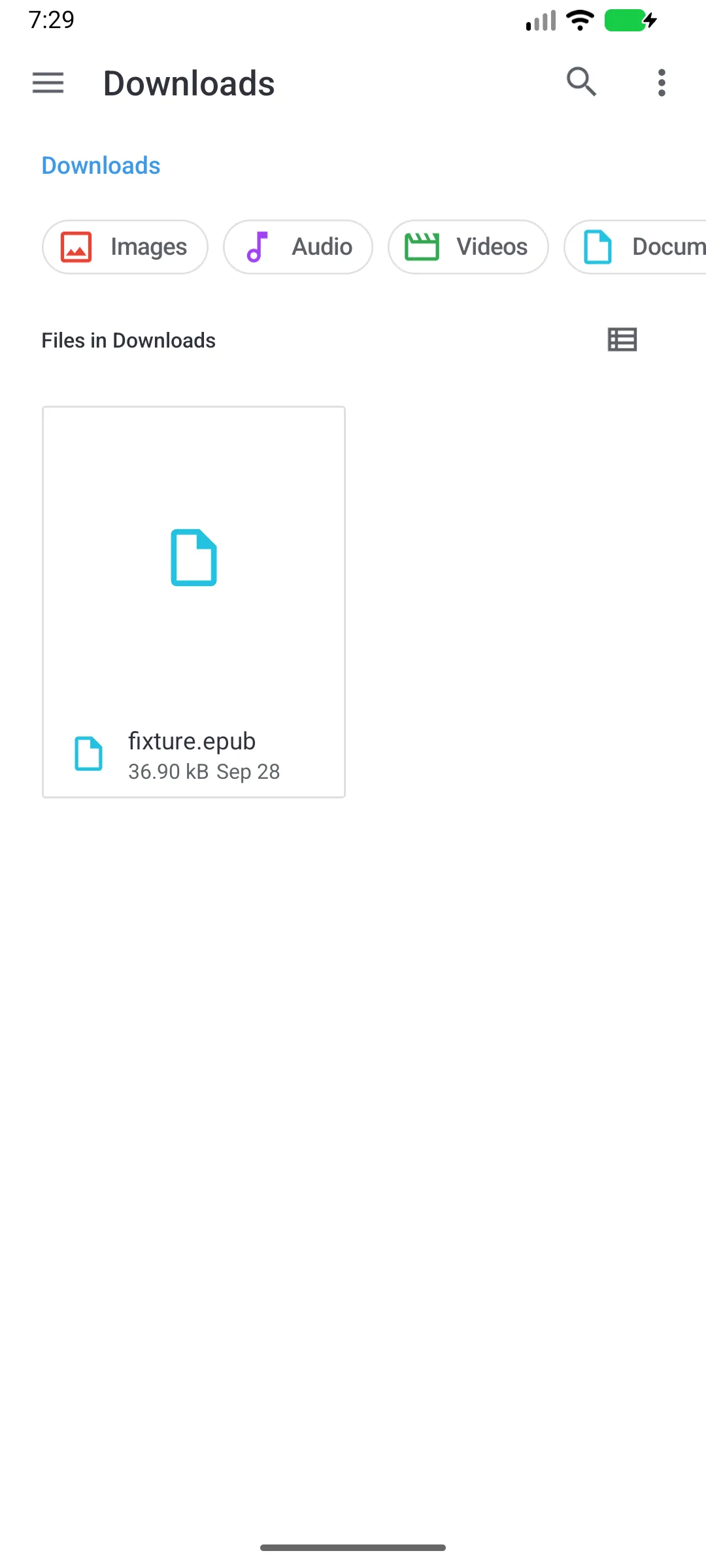
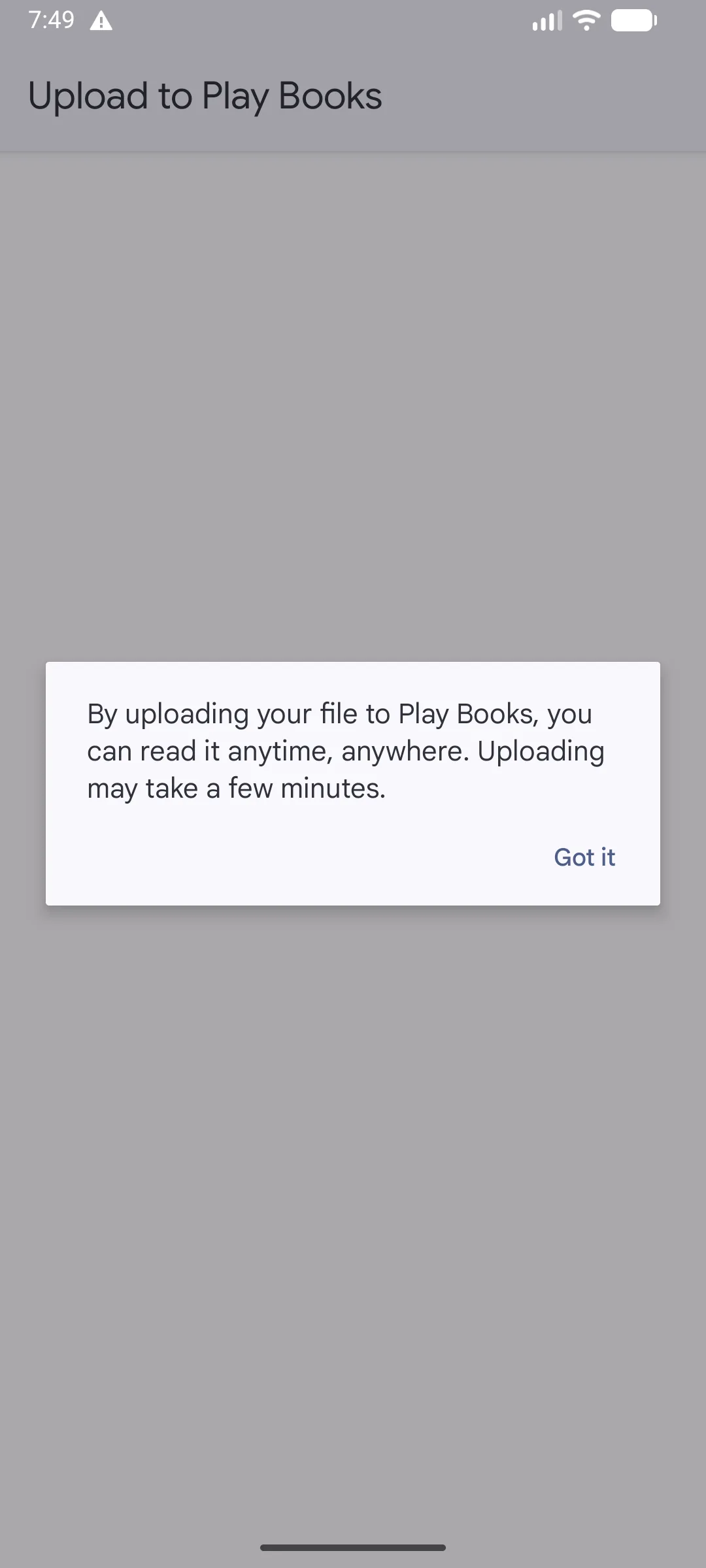
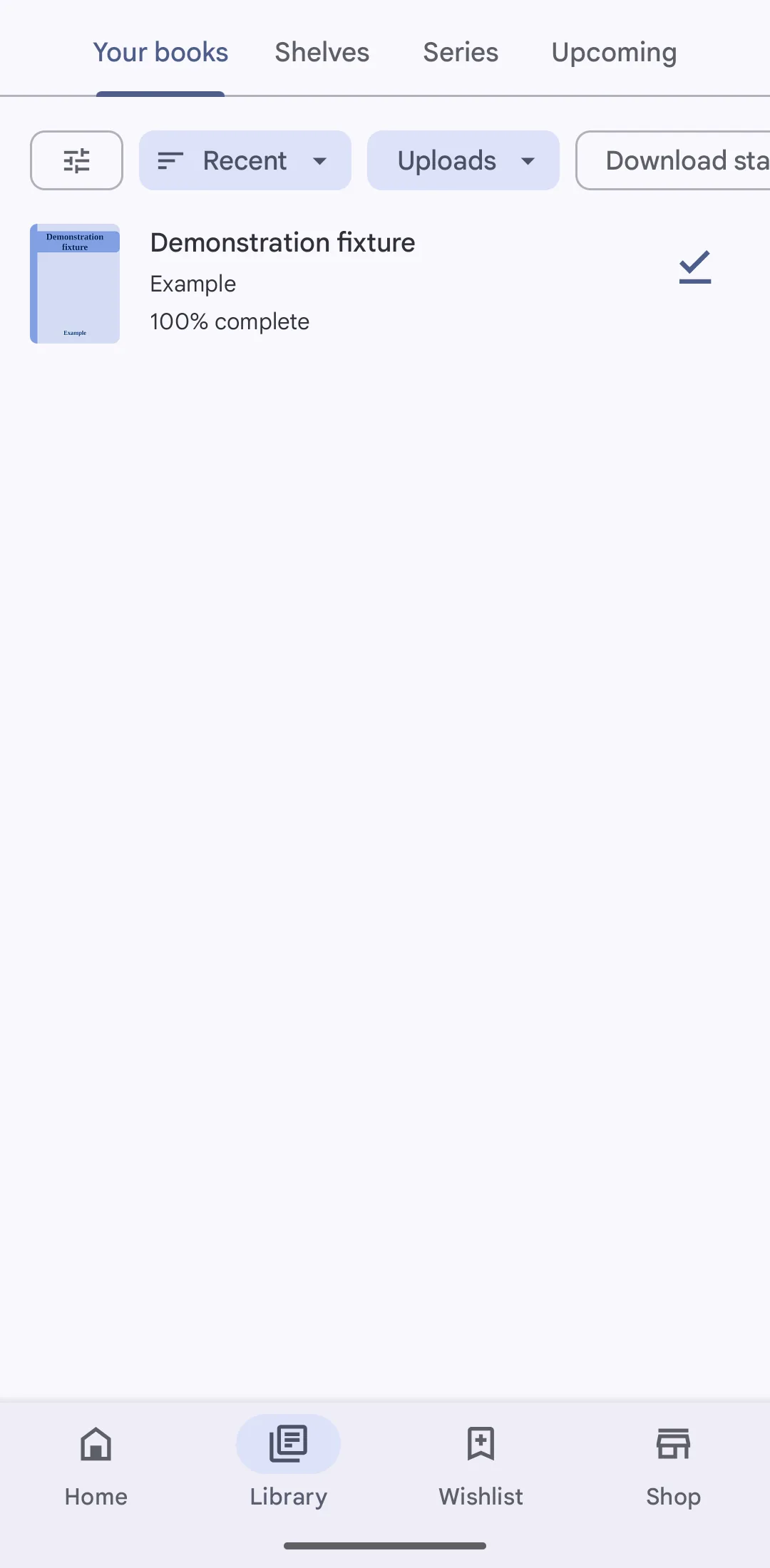
Tap the EPUB in Files or Downloads. When Play Books is already the app for EPUB files, it opens the Upload to Play Books dialog shown above. If Android asks which app to use, choose Play Books. After the upload, the book is under Library → Uploads. Google’s official upload instructions cover this workflow and the additional setting needed for PDF uploads.
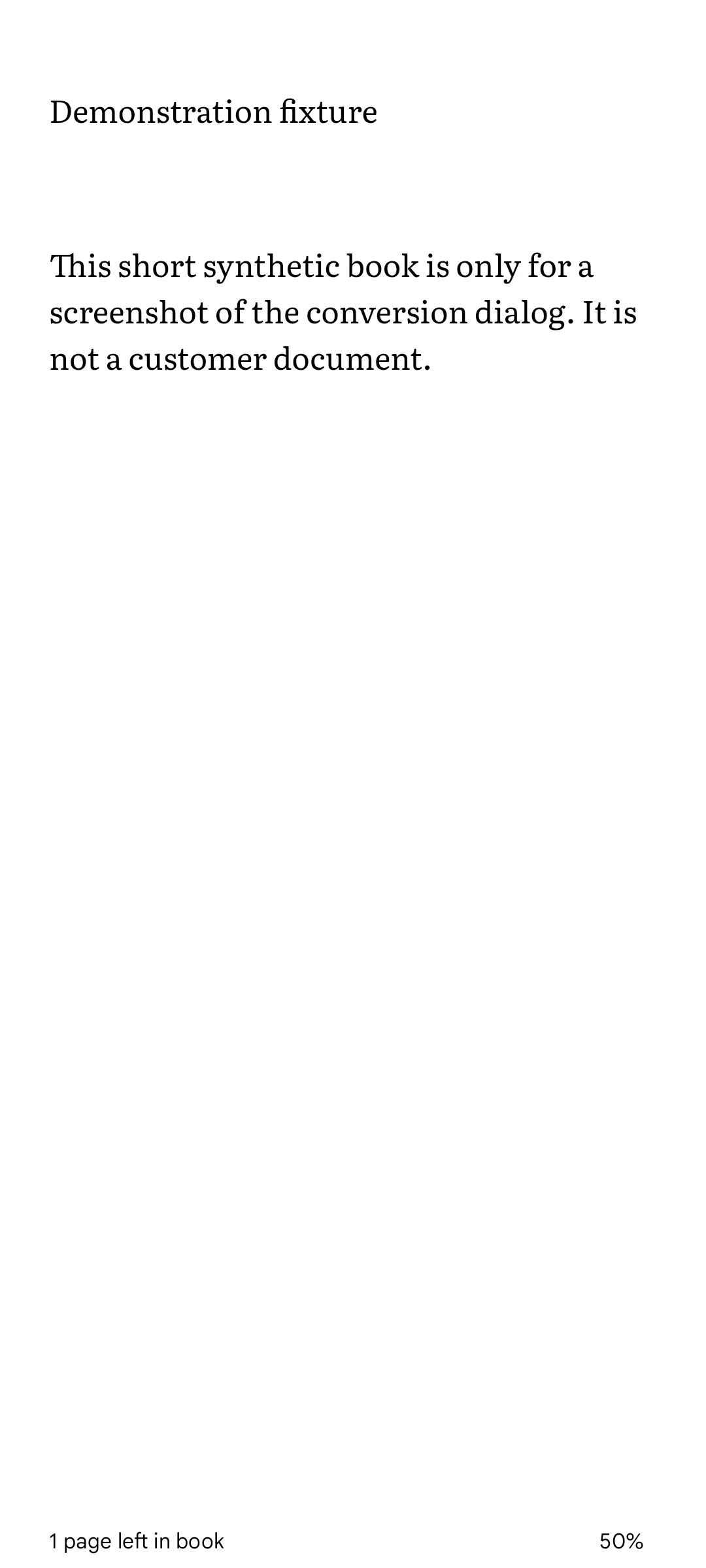
If you prefer another reading app, use its file-import option to open the downloaded EPUB. Start with one chapter and change the font size to check that the text reflows.
Sending it to Kindle instead
Use Send to Kindle to add the EPUB to your Kindle library. See the Kindle PDF reading guide for choosing between keeping the PDF and converting it.
If the result is hard to read
- Blank or garbled text: the source may be a scan. Check the OCR guide and compare recognised words with the original.
- Text jumps between columns: check the reading-order guide.
- Font size does not change: check whether the content is an image or fixed layout. See tiny text in an EPUB.
Keep the PDF for exact page references and complex figures. An EPUB is a reading copy, and a difficult page may still need the original.