Read any PDF on your Kindle, Kobo, or phone
The pages reflow to your font. The first 50 pages are free, no account. Sign in free for the whole file. $0.99 for a clean copy with no marks.
1,423 EPUBs converted and counting
or drag and drop here
Three steps from PDF to ebook

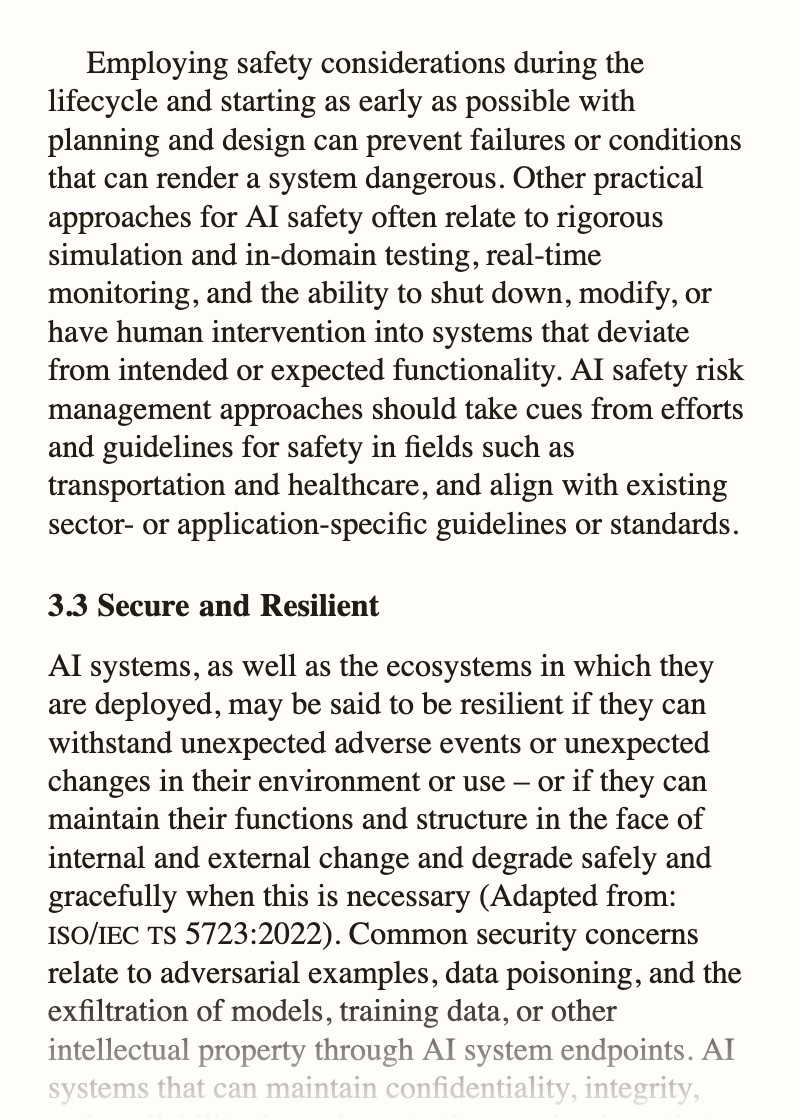
Before & after — the same page of NIST AI 100-1, converted by this tool
Reads on the device you already own
Why the result reads well
Pro: $9.99/month · Free for the first 7 days. Unlimited clean files.
View all plans →Common questions
Is it really free?
Yes, in steps. The first 50 pages convert free with no account. Sign in free to convert the whole file, 5 files a month. A one-time unlock gives one clean copy, and Pro gives unlimited clean files. Free files carry a small toolkit.bot mark.
What kinds of PDF can I convert?
Supported PDFs up to 300 MB and 1,000 source pages, subject to technical limits — books, reports, manuals, research papers. Scanned PDFs (image-only) are handled automatically.
Is my PDF stored or shared?
No. Your file is processed securely and deleted after download, or kept for up to 7 days if you choose to unlock a clean copy. We don't keep, read, or share your documents.
Which devices and apps can open the result?
Kindle, Kobo, Apple Books, Google Play Books, Pocket, Marvin, Moon+ Reader, and any other EPUB-compatible reader — on phone, tablet, or desktop.
Will it look good on my e-reader?
Yes. Text flows to your font size preference. You can adjust font size, margins, and brightness just like any ebook in your library.
Do I need to create an account?
No for the first 50 pages. A free account converts the whole file, 5 files a month, with a toolkit.bot badge and notice pages in the file. A one-time unlock or Pro removes them. Saving your files to an account is optional after download.
What happens to tables, images and footnotes?
Tables come through as real tables you can read at any size, images stay where they were at their own size, and footnotes stay next to the text they belong to. A layout too tangled to rebuild is kept as a picture rather than lost. How footnotes and page numbers come across →
What about math, formulas and diagrams?
Anything the converter cannot rebuild as text, such as an equation or a diagram, is kept as a cropped image at its original size, so nothing disappears. It will not reflow, but it stays sharp and in place.
What if a page comes out wrong?
You see before you pay: the first 50 pages convert free, so open them on your device first. Every conversion ends with a rating box, and a low rating reaches a person, not a queue. What to check in a converted book →
Do highlights, notes and the dictionary work?
Yes. Because the text is real text, your reader's highlights, notes, dictionary and search all work, which a fixed PDF page takes away along with your font size.
Guides for your kind of PDF
For researchers & students → For publishers & authors → For libraries & institutions →Guides
PDF EPUB: formats explained and how to convert → Convert research papers & academic PDFs to EPUB →Guides by section
PDF to EPUB → Kindle, Kobo and e-readers → Reading apps → Research and study → Browse all guides →Ready? Convert the first 50 pages free, no account or card. Sign in free for the whole file, 5 a month.
Upload a PDF ↑