How to Read a PDF on Your Kobo eReader (Convert to EPUB First)
Every Kobo can open a PDF, but the page stays locked at its original size — pinch-to-zoom is your only option, and the font-size dial does nothing. Converting to a reflowable EPUB fixes that: the same text resizes to fit the screen and your preferred font, so upload your PDF below and get the EPUB back in a couple of minutes.
Have a PDF for your Kobo? Convert it here
Manuals, papers and scanned books stay tiny on e-ink as PDF. A reflowable EPUB fits the screen and your font size.
or drag and drop here
 1
2
1
2
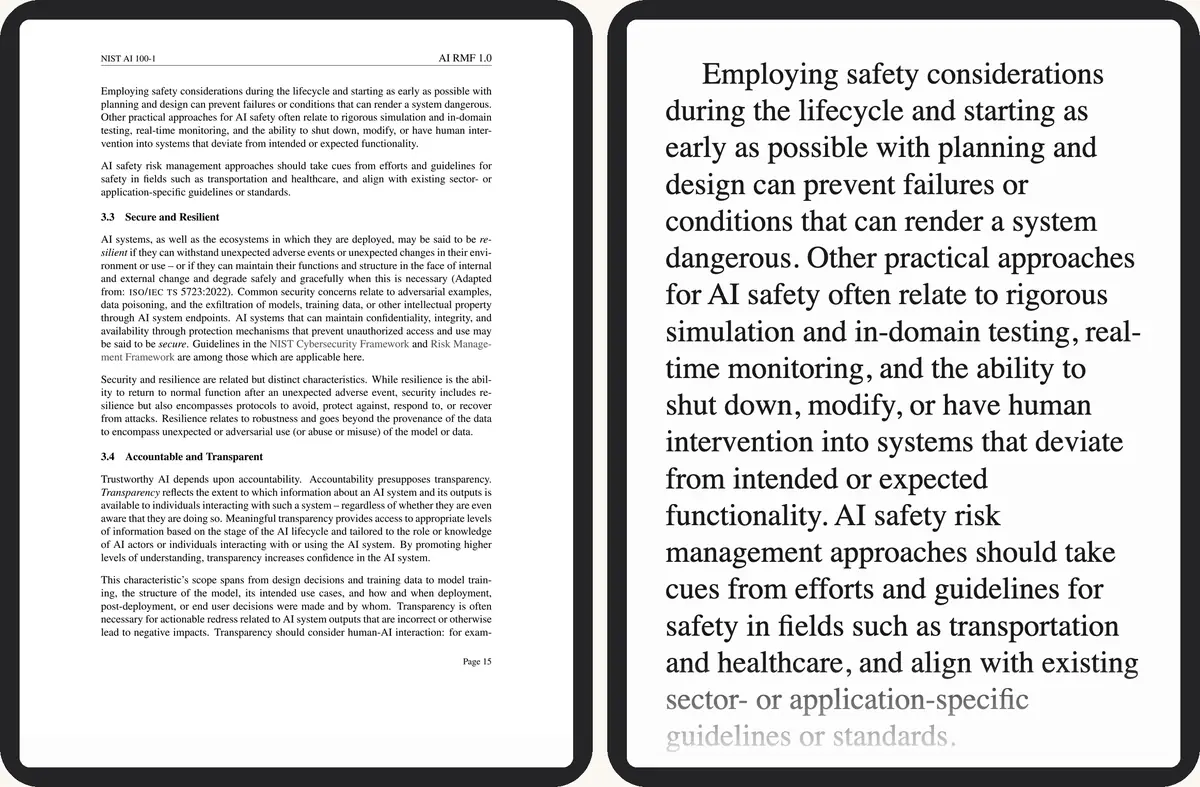
- Print-size type, the whole page squeezed to the screen
- The same passage at your font size
Have the PDF? Convert it here →
Keep the PDF or convert?
Not every file needs converting. A one-page diagram or a form you print is fine as a PDF. Anything you plan to actually read, start to finish, is better as EPUB:
| Document type | Better as |
|---|---|
| Novel, report or anything mostly running text | EPUB — reflows to your font size |
| Manual or datasheet with diagrams tied to a fixed layout | PDF — keeps the page exactly as drawn |
| Two-column paper or scanned textbook | EPUB — columns become one reading line, no zoom-scroll-zoom |
The gap comes down to what Kobo's built-in PDF reader does with a page: it treats it as a flat image, not text.
- No text reflow or font-size control — the page layout never changes regardless of screen or orientation
- Two-column layouts need zoom, scroll, zoom again for every line
- No Kobo Highlights/Annotations sync or Reading Life stats on a PDF — those only track EPUB reading
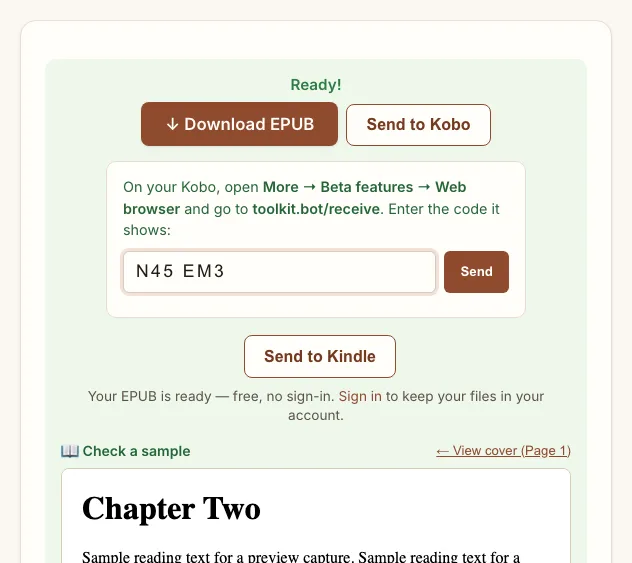
Get the EPUB onto your Kobo
Once the download is ready, four routes get it onto the device — pick whichever matches what you already have plugged in or signed in:
| Method | Needs | Time | Note |
|---|---|---|---|
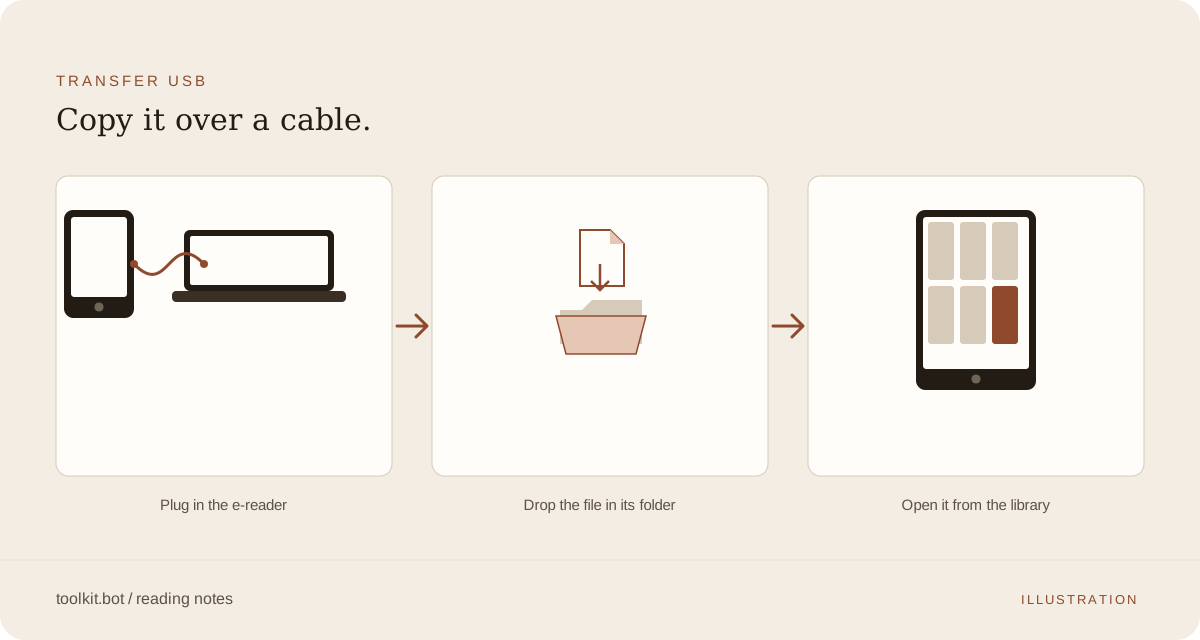
| USB cable | A computer and the cable that came with your Kobo | Instant | Works on every Kobo model |
| Kobo desktop app | App installed on Mac or Windows | Next sync | Drag the EPUB in, no folder hunting |
| Dropbox | Sage, Elipsa, Libra 2, Clara 2E or newer | A minute over Wi-Fi | Link once under Settings → Accounts |
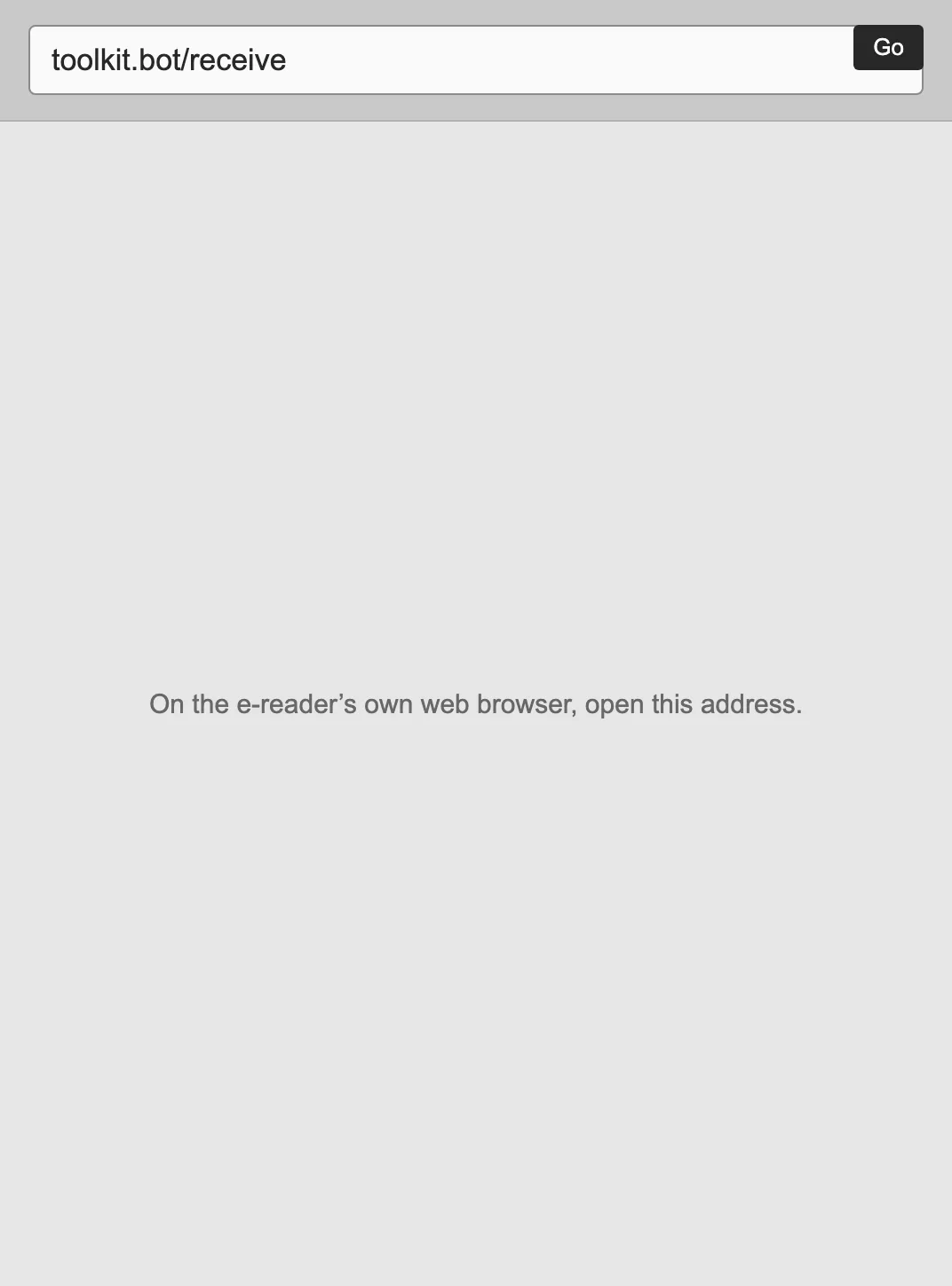
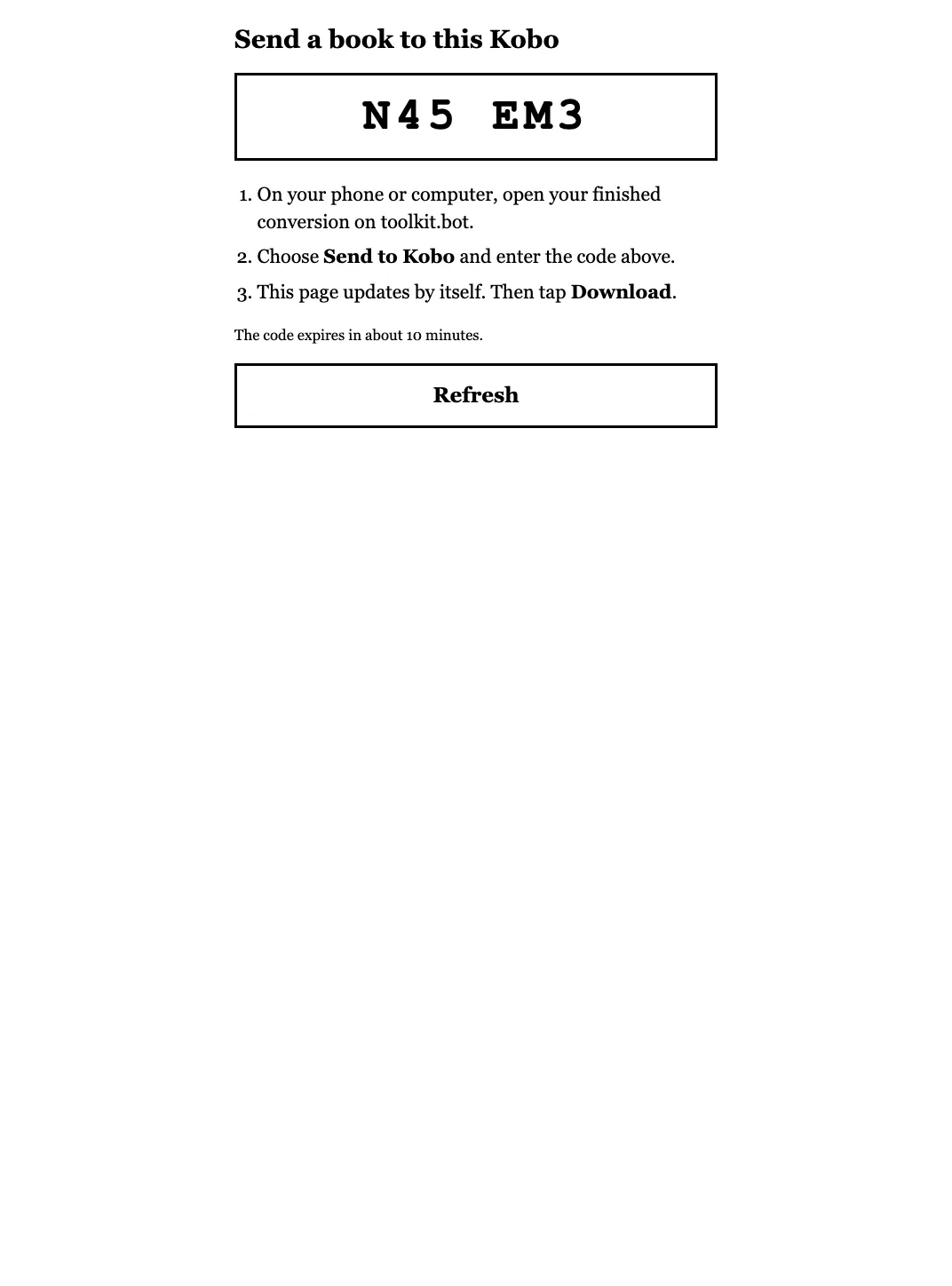
| Kobo's web browser | A link to the EPUB you can open on the Kobo (a cloud share link, or your account's files page) | A minute over Wi-Fi | Settings → Beta features → Web browser; a downloaded EPUB lands straight in My Books |
Kobo has no email-to-device address like Kindle's Send to Kindle — USB is the one route every model supports. If you already manage your library in Calibre, its wireless device server reaches a Kobo over Wi-Fi too, and handles batches of books at once.
Want this for your own PDF? Convert it here →
Which Kobo models can read the converted EPUB?
All of them — every Kobo from the 2012 Glo through the Clara BW, Clara Colour and Libra Colour reads EPUB 2 and EPUB 3 natively, so the file toolkit.bot gives you needs no further conversion. toolkit.bot outputs EPUB 3 with EPUB 2 fallback metadata, so even a pre-2018 device opens it without trouble. Colour models keep PDF figures in colour; an 8- or 10-inch Forma, Sage or Elipsa also makes the original PDF more legible on its own, though it still can't reflow or resize.
What to check in the EPUB preview
Single-column books, reports and papers convert cleanly; two-column papers go through column-aware layout analysis, and scanned pages get OCR automatically. Before you transfer, check the free preview for:
- Reading order: scroll the first chapter and confirm headers, page numbers or column breaks didn't interrupt a sentence.
- Table of contents: chapter titles should appear as clickable entries in the Kobo navigation panel.
- Footnotes: they should sit at section ends or as linked references, not break the body text mid-paragraph.
- Font scaling: try a larger and smaller size on the Kobo itself; lines should wrap without orphaned single words.
Catching a problem here costs nothing — the preview is part of the free 50 pages, so you see exactly what the Kobo will show before deciding whether to unlock the rest.
Frequently asked questions
Does converting a PDF to EPUB lose any content on Kobo?
Text, headings and images carry over. Where the layout can't be rebuilt with confidence — dense multi-column tables, equation-heavy math, handwritten margin notes — toolkit.bot keeps that piece as a cropped image rather than guessing at the text. Check the free preview before you download.
What if my PDF is longer than 50 pages?
The first 50 pages convert and download free, with no account or card. A free account converts the whole file, five files a month, with a small toolkit.bot mark in the file. A one-time unlock gives a clean copy of one file for $0.99.
Convert your PDF to Kobo-ready EPUB: the first 50 pages are free, no account or card required.
Choose your PDF above ↑